Super Rio Browser: Private VPN3.0.6
Publisher Description

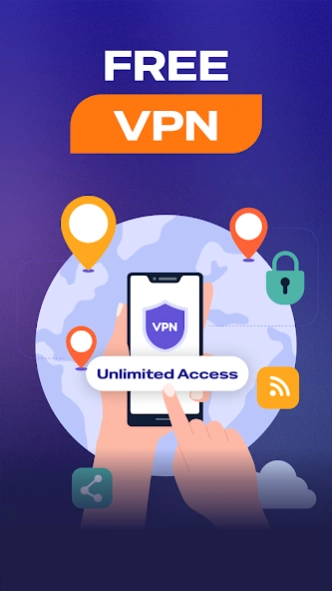
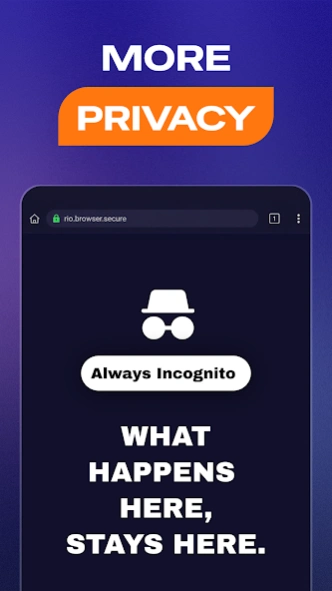

Private Browser with VPN, Adblock & fast secure browsing
Take control of your online world with Super Rio Browser — the fast, secure, and private browser built for modern web browsing.
Super Rio Browser is a high-speed private browser designed for users who demand privacy, security, and speed on the web. With built-in Adblock, secure internet access, and advanced privacy protection, Super Rio delivers a safer and faster private web browser experience.
⭐ WHY SUPER RIO BROWSER STANDS OUT
🔥 ONE-TAP FIRE BUTTON
Instantly clear active tabs, browsing history, cookies, and cache with a single tap. Your browsing session disappears the moment you are done.
🔒 TRUE PRIVATE BROWSER
Go beyond standard “incognito mode.” Super Rio protects your privacy online.
🚫 POWERFUL ADBLOCK
Enjoy a cleaner and faster web browser experience by blocking intrusive pop-ups, ads, and trackers while helping save mobile data.
⚡ FAST, LIGHTWEIGHT & SECURE
Super Rio is optimized for performance, giving you secure and fast browsing without slowing down your device.
✅ KEY FEATURES
✔ Private browsing with reduced tracking
✔ Advanced Adblock for a cleaner web browser experience
✔ Fast and secure internet access
✔ Lightweight browser optimized for speed and performance
✔ Clean, modern, and easy-to-use interface
🚀 DOWNLOAD SUPER RIO BROWSER TODAY
Discover a faster, cleaner, and more private way to browse the internet.
About Super Rio Browser: Private VPN
The company that develops Super Rio Browser: Private VPN is Rio VPN Security. The latest version released by its developer is 3.0.6.
To install Super Rio Browser: Private VPN on your Android device, just click the green Continue To App button above to start the installation process. The app is listed on our website since 2026-08-11 and was downloaded 2 times. We have already checked if the download link is safe, however for your own protection we recommend that you scan the downloaded app with your antivirus. Your antivirus may detect the Super Rio Browser: Private VPN as malware as malware if the download link to com.internet.vsbrowser is broken.
How to install Super Rio Browser: Private VPN on your Android device:
- Click on the Continue To App button on our website. This will redirect you to Google Play.
- Once the Super Rio Browser: Private VPN is shown in the Google Play listing of your Android device, you can start its download and installation. Tap on the Install button located below the search bar and to the right of the app icon.
- A pop-up window with the permissions required by Super Rio Browser: Private VPN will be shown. Click on Accept to continue the process.
- Super Rio Browser: Private VPN will be downloaded onto your device, displaying a progress. Once the download completes, the installation will start and you'll get a notification after the installation is finished.
Program Details
System requirements
Download information
Pricing
Version History
version 3.0.6
posted on 2026-08-11
Privacy improvements
Performance & Stability
version 3.0.4
posted on 2026-07-23
Improved Stability
Private Browsing
version 3.0.2
posted on 2026-07-20
Improved UX
VPN Support
version 2.7.0
posted on 2026-06-02
Free VPN Support
Performance Improvement
